
Why Photo Cropping Tips Can Transform Your Images
photo cropping tips are one of the fastest ways to turn an average shot into a compelling image — no advanced skills required.
Here’s a quick overview of the most important cropping principles:
- Use the Rule of Thirds — place your subject at a grid intersection, not dead center
- Avoid cutting at joints — never crop people at the knee, elbow, or ankle
- Remove distractions — trim edges to eliminate anything pulling attention from your subject
- Match your aspect ratio to your platform — 1:1 for Instagram, 16:9 for YouTube, 3:2 for prints
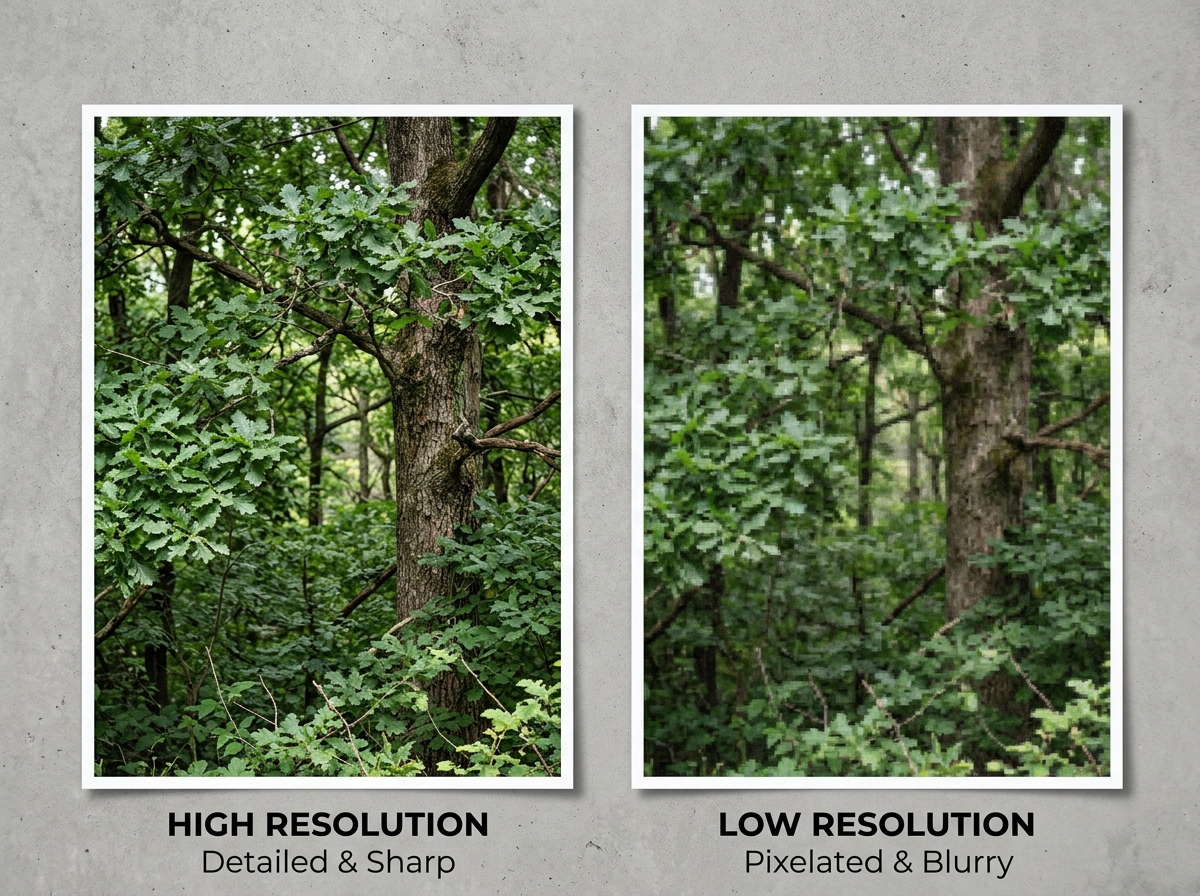
- Don’t over-crop — stay within your camera’s resolution limits to avoid blurry results
- Leave breathing room — especially around faces and moving subjects
- Crop with a purpose — always know what story you want the image to tell before you cut
Most photographers think cropping is just resizing. It isn’t.
A well-placed crop can change the entire mood of a photo. It can remove noise, create tension, draw the eye, and turn a cluttered snapshot into something that feels intentional and professional.
Think of the crop tool as an invisible frame. You’re not cutting something out — you’re deciding what the viewer focuses on.
The good news? Modern cameras give you enormous flexibility. A 20-megapixel camera, for example, only needs about 5% of its pixels to produce a clean 4×6″ print. That means you have a lot of room to experiment before quality becomes an issue.
Whether you shot it on a DSLR or a smartphone, cropping is one of the most powerful edits you can make.
Mastering the Technical Side of photo cropping tips
Before we get into the artistic “soul” of a crop, we need to understand the “bones”—the technical limits of our files. We often get asked how much is too much. The answer lies in megapixel math.
Most modern digital cameras pack between 20 and 60 megapixels. To put that in perspective, a 20-megapixel camera allows us to print a pristine, 27-inch wide photo at 200 DPI (dots per inch) without any cropping at all. If you only need a standard 4×6″ print at that same 200 DPI, you only actually need about 1 million pixels. That represents a mere 5% of your original image, leaving a staggering 95% of the frame available for cropping!
When sharing online, the “safety zone” is even larger. Most platforms, like Facebook or Instagram, cap the maximum dimension at 2048 pixels. From a 20-megapixel original, we can safely crop away nearly 80% of the pixels and still have a tack-sharp image for the web. Even an older 10-megapixel camera, like the Nikon D200, can be cropped down to 6 megapixels and still produce a beautiful 8×10″ or 11×14″ print.
| Camera Megapixels | Max High-Quality Print Size (300 DPI) | Max Web Crop (2048px edge) |
|---|---|---|
| 8 MP (iPhone) | 8 x 10″ | ~60% of image |
| 12 MP | 9 x 14″ | ~70% of image |
| 20 MP | 12 x 18″ | ~80% of image |
| 24 MP | 13 x 20″ | ~85% of image |
Understanding Understanding DPI and print resolution is crucial because it gives us the confidence to “zoom in” during post-production without fear. For more on the basics, check out our Crop and Composition Editing Tips.
Understanding Aspect Ratios for Different Platforms
Aspect ratio is simply the proportional relationship between the width and height of your image. It isn’t about the size in inches, but the shape of the frame.
- 3:2: This is the standard for most DSLRs and mirrorless cameras. It’s the “classic” photo shape and fits standard print sizes perfectly.
- 4:3: The default for most smartphones and Micro Four Thirds cameras. It’s a bit “squarer” than 3:2.
- 1:1: The square crop. Heavily popularized by Instagram, it’s fantastic for symmetrical subjects or centered portraits.
- 16:9: The cinematic widescreen format. Use this for panoramic landscapes or to give a photo a “movie” feel.
When we apply photo cropping tips, we must consider where the photo is going. A vertical 4:5 ratio is often best for Instagram feeds to take up more screen real estate, while a 9:16 is the requirement for Stories and TikTok.
Maintaining Quality with Non-Destructive photo cropping tips
One of our favorite things about modern software like Lightroom or Photoshop is “non-destructive” editing. This means the software doesn’t actually delete the pixels you crop away; it just hides them. If you uncheck “Delete Cropped Pixels” in Photoshop, you can always go back and adjust your frame later.
Using overlays is another pro secret. Most editing tools offer a “Rule of Thirds” or “Golden Spiral” grid that appears over your image while you crop. This helps you align your subject perfectly with established compositional theories. If you find that straightening a crooked horizon leaves white gaps at the corners, tools like “Content-Aware Fill” can intelligently fill those empty spaces, saving you from having to crop in tighter than you wanted. For a deeper look at these principles, see The Rule of Thirds in Visual Arts.
Compositional Strategies to Enhance Your Images
Cropping is essentially “composing after the fact.” Sometimes, in the heat of the moment, we miss the perfect alignment. Cropping allows us to fix that.
The most famous tool in our kit is the Rule of Thirds. By dividing the frame into a 3×3 grid, we aim to place the most important elements—like a person’s eyes or a lone tree—along the lines or at the intersections. This creates a sense of balance and movement that a centered subject often lacks.
However, don’t ignore the Golden Ratio (or Fibonacci Spiral). It’s a more organic way of directing the eye and can add a sophisticated, professional feel to your crops. We also look for leading lines—roads, fences, or even shadows—and crop the image so these lines point directly toward our subject.
Straightening the horizon is perhaps the simplest yet most effective of all photo cropping tips. A tilted ocean or a leaning building can make a viewer feel physically “off,” so we always ensure our horizontal and vertical lines are true. For more advanced techniques, dive into The Ultimate Guide to Better Photo Composition.
Using Negative Space and Copy Space Effectively
“Negative space” is the empty area around your subject. We often feel the urge to crop it all away, but leaving some “breathing room” can actually make your subject stand out more. It creates a sense of scale and prevents the photo from feeling claustrophobic.
For those of us looking to sell our work or use it for business, “copy space” is vital. This is intentional empty space (like a clear blue sky or a blurred wall) where a designer can overlay text. If you crop too tightly, you might make the photo beautiful for a gallery but useless for a magazine cover or an advertisement. We’ve found that leaving extra space around the subject significantly increases the licensing potential of an image. You can see how this works in practice with our guide on Composing Bird Photos with Urban Backgrounds.
Directing Attention by Removing Distractions
We’ve all been there: you take a beautiful portrait of a friend, only to realize later there’s a trash can or a stray foot at the very edge of the frame. These “edge distractions” pull the viewer’s eye away from the story you’re trying to tell.
The crop tool acts like a surgeon’s scalpel here. By trimming just a fraction of an inch off the side, we can remove that bright yellow balloon or the distracting power line. Tight cropping can also be used creatively to increase emotional intimacy. By cropping in close on a subject’s face, we remove the “noise” of the background and force the viewer to engage with the expression and the eyes.
Essential Strategies for Portraits and Action
When it comes to people and moving subjects, the rules of photo cropping tips become a bit more specific. You don’t want your subjects to look like they’ve had an “accidental amputation.”
For moving subjects, we follow the Rule of Space. This means leaving more room in front of the subject than behind them. If a cyclist is moving from left to right, we crop so there is plenty of “active” space on the right side of the frame for them to “move into.” This creates a sense of anticipation and flow. If you crop right behind them, the image feels abrupt and the subject looks like they are about to hit a wall.
Pro photo cropping tips for Portraits
Portraits are where most beginners make their biggest mistakes. A common rule of thumb is: Never crop at a joint.
If you crop at the ankles, knees, hips, elbows, or wrists, the subject will look like they are missing limbs. Instead, we aim for the “tapering points”—the fleshy parts of the body that are slimming. Good places to crop include the mid-shin, mid-thigh, or mid-waist.
For headshots, we try to keep the eyes on the upper third line of the grid. We also avoid “bad haircuts” by not cropping too closely to the hairline; either leave some space above the head or commit to a very tight crop that intentionally cuts into the forehead to focus entirely on the eyes. No one likes to see half an arm chopped off awkwardly!
Frequently Asked Questions about Photo Cropping
Is it better to crop in-camera or in post-production?
Ideally, we want to “crop in-camera” by composing the shot perfectly before we hit the shutter. This preserves every single pixel of resolution and saves time. However, in the real world—especially with wildlife or sports—we can’t always get close enough. In those cases, post-production cropping is a lifesaver. It’s always better to have a slightly cropped, well-composed image than a full-resolution mess.
How much can I crop a photo before it loses quality?
This depends on your final goal. If you’re just posting to social media, you can usually crop away up to 80% of a 20-megapixel image (leaving you with about 4 megapixels) and it will still look sharp on a phone screen. For printing a large 8×10″, we recommend not cropping away more than 50% of your original pixels to maintain that professional “crispness.”
What is the best aspect ratio for social media?
For Instagram Posts, 4:5 (vertical) is the gold standard because it fills the screen. For Stories and Reels, 9:16 is required. If you are building a professional portfolio on a website, sticking to the classic 3:2 or 4:3 often looks more sophisticated and consistent.
Conclusion
At Ciber Conexão, we believe that the “cut” is just as important as the “click.” Mastering photo cropping tips isn’t about fixing “bad” photos; it’s about refining your vision and telling a stronger story.
Whether you’re using the Rule of Thirds to find balance, leaving copy space for a future design, or carefully avoiding an awkward knee-crop in a portrait, every decision you make with the crop tool should be intentional. Don’t be afraid to experiment—try a square crop on a landscape or a cinematic 16:9 on a street scene. With non-destructive editing, the only limit is your creativity.
Ready to take your skills further? Explore more photo editing guides and start turning your snapshots into masterpieces today.
